
Every popular grinder, built in.
80+ of the most popular grinders were researched and created, giving you a full digital studio for your gear. Pick yours and your own dial shows up with the cold brew setting marked on it. Found a sweet spot of your own? Drag the dial there and the recipe follows.
A few from the lineup


Sized to what you brew in.
From a quart mason jar to a gallon dispenser, pick the brewer you use and every batch is sized to what it actually holds. Go Everyday, Strong, Jet fuel or Concentrate, or follow your brewer’s own recipe.
Curious what the hours do? Drag the slider and watch a batch go from pale to ready.
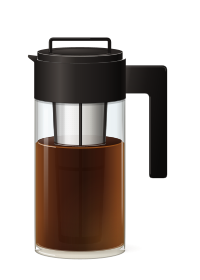
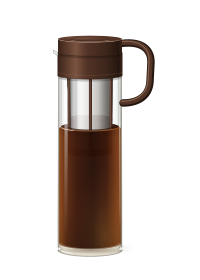
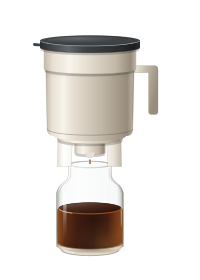
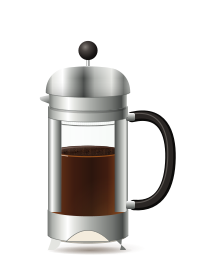
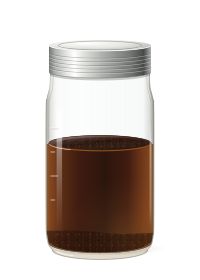


19 brewers built in. Using something else? Add your own with its capacity. See every brewer’s recipe
Start it steeping. Pour it when it’s ready.
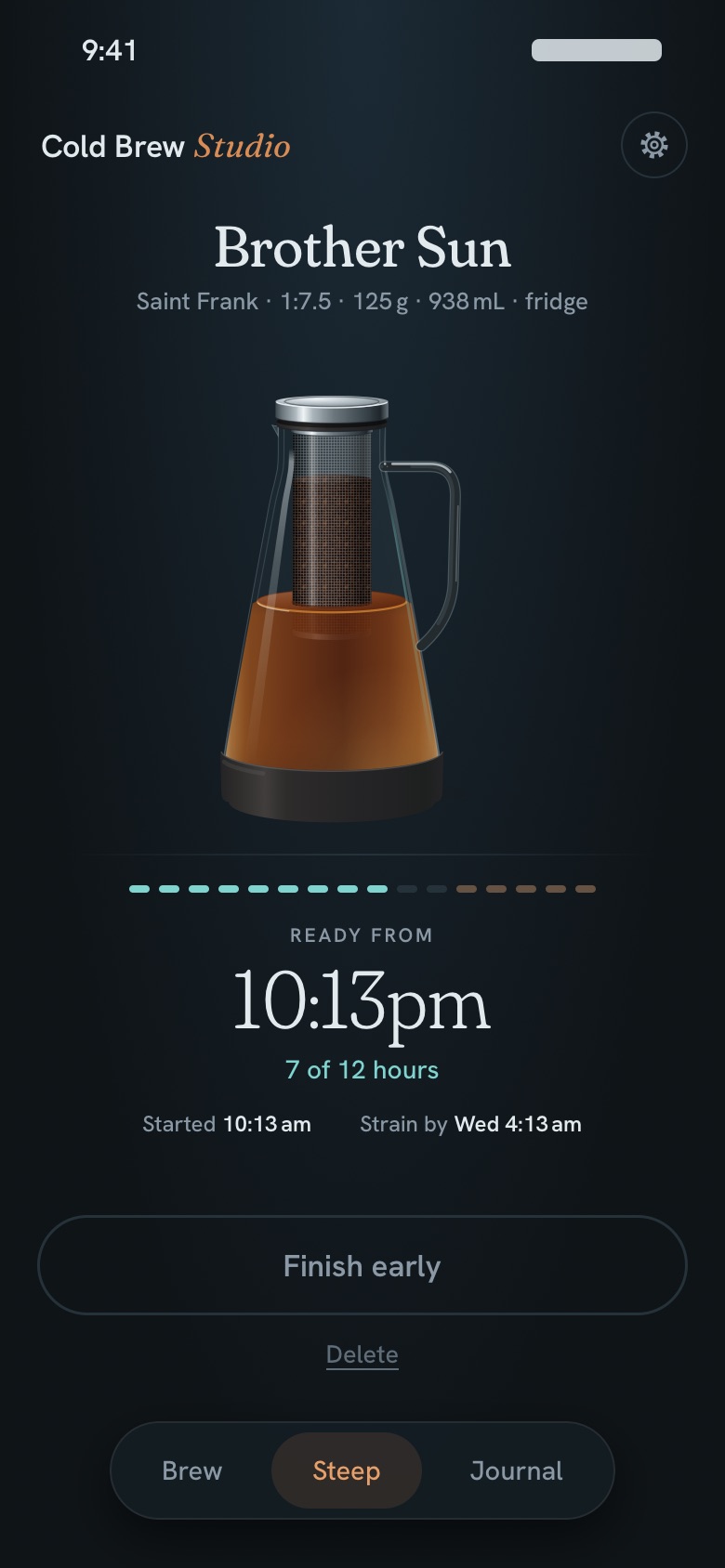
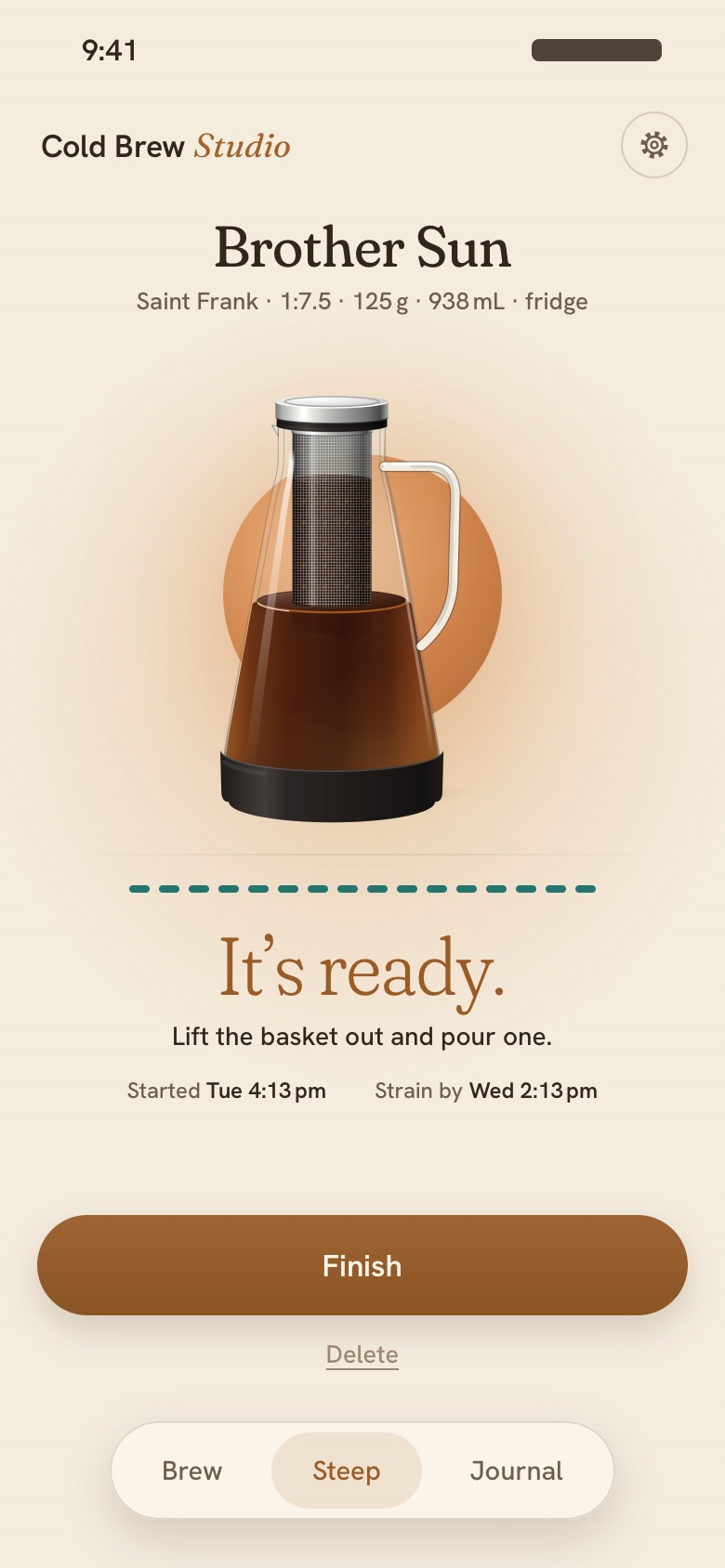
Tap Start steeping and the batch follows you onto your Lock Screen, counting the hours. Your phone lets you know when it’s ready to taste, and once more before it steeps too long.
On the web?
Add it to your Home Screen: Share → Add to Home Screen on iPhone, or Install app in Chrome. A calendar reminder, with an alarm, stands in for the Lock Screen timer.
Dial in every bean.
Rate each batch and say what was off. The next recipe adjusts, and once a bean is dialed in, its best recipe waits on your shelf, ready to brew again.
- dialed in
Send the recipe, not a screenshot.
Tap share on Brew and the web app draws your recipe as a card: your dial at its setting, the bag, the brewer and the numbers. It goes out with a link that opens Cold Brew Studio on the same grinder and brewer.
Just after a number? Look up your grinder’s cold brew setting or your brewer’s recipe.

Bring the beans. We’ll do the math.
Start a batch whenever it suits you. Your phone tells you when it’s ready.